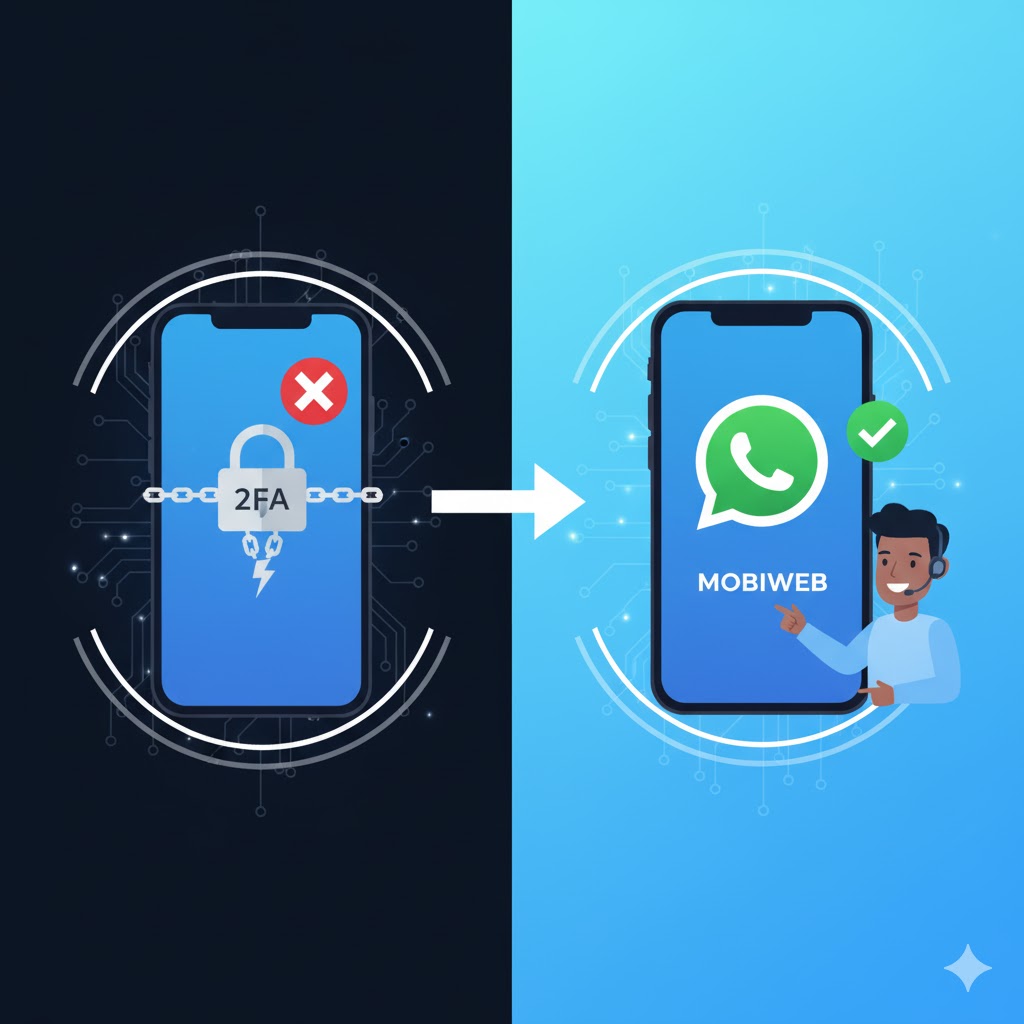
Complete guide to disable 2FA and transfer your WhatsApp Business number between providers
In order to start the migration of a phone number from a Business Solution Provider (BSP) to MOBIWEB as your BSP, disabling the Two-Factor Authentication (2FA) is one of the requirements. Below you'll find the steps to disable the 2FA for your WhatsApp number in Meta.
Follow these steps to disable Two-Factor Authentication for your WhatsApp Business number
Access your business account using your credentials
Choose the specific number you want to migrate
Turn off 2FA for the migration process
Steps to update your WhatsApp Business Account name on Facebook Business Account
Go to the Facebook Business Manager and log in with your credentials.
https://business.facebook.com
From the Business Manager homepage, click on the menu icon (three horizontal lines) in the top left corner and select 'Business Settings'.
In the Business Settings menu on the left, scroll down and click on 'Accounts'. Under 'Accounts', select 'WhatsApp Accounts'.
You will see a list of WhatsApp Accounts linked to your Facebook Business Account. Select the WhatsApp Account you wish to edit.
Click on the 'Settings' tab for the selected WhatsApp account. Look for the 'Account Details' section, where you can see the current business name.
Click on the 'Edit' button next to the business name. Enter the new name you wish to use for your WhatsApp Business Account.
After entering the new name, click on 'Save' to submit the changes. You may need to wait for Facebook to review and approve the new name, which can take some time.
Once the name change is approved, you will receive a confirmation notification. Your WhatsApp Business Account will now display the new name.
Key considerations for successful phone number migration
Your WhatsApp Business service will be temporarily unavailable during the migration process (typically 24-48 hours).
Ensure you have backups of important chat histories and business data before starting the migration.
Remember to turn Two-Factor Authentication back on after the migration is complete for security.
Consider using our migration service to ensure a smooth transition with minimal downtime.
Let our experts handle the entire migration process for you. We ensure minimal downtime and complete data preservation.
Get professional assistance to migrate your WhatsApp Business number seamlessly with minimal downtime.